For this project, our user, Mate Denona, needed to create a custom plane orthophoto of the inner and outside walls of a round tower.
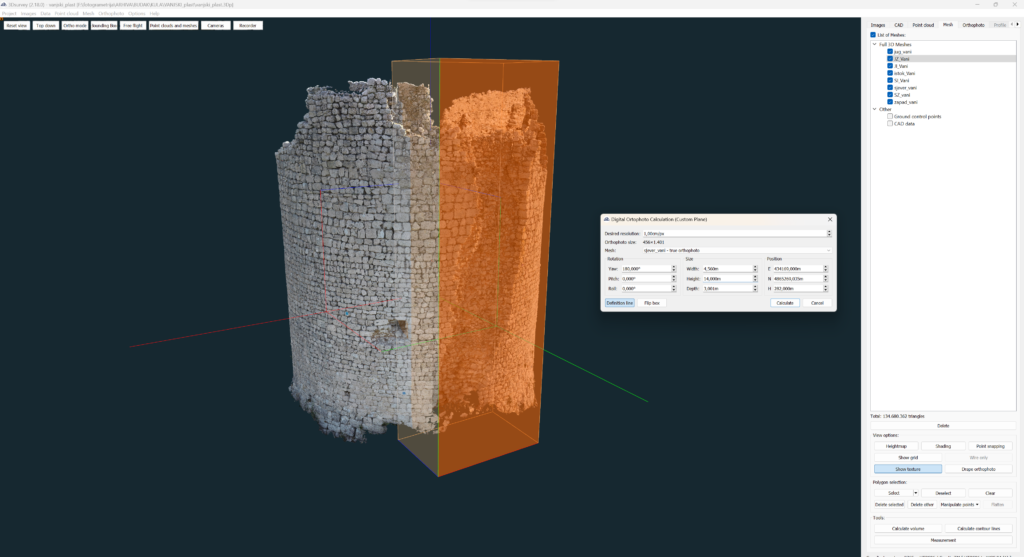

For this project, our user, Mate Denona, needed to create a custom plane orthophoto of the inner and outside walls of a round tower.
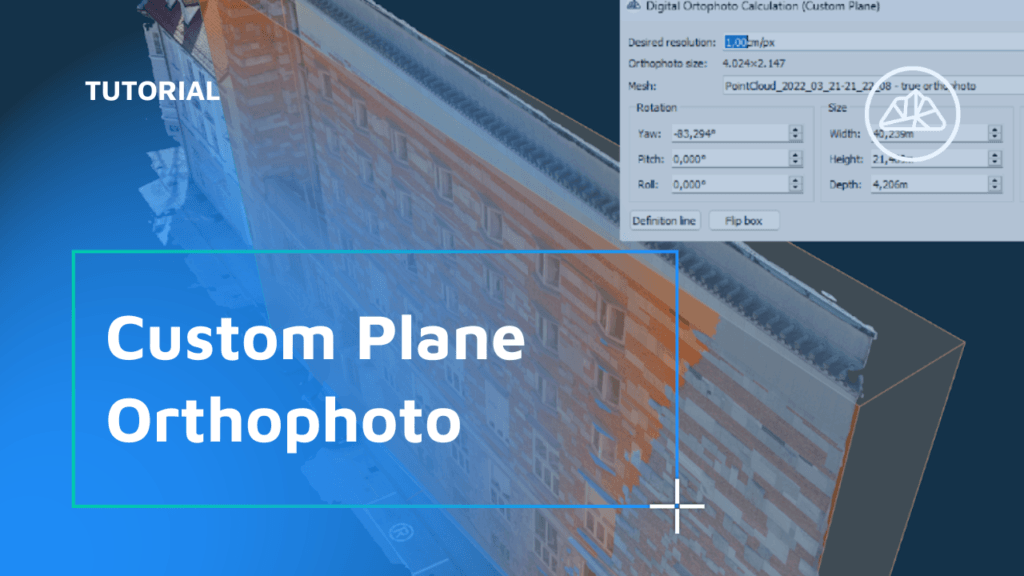
When you need to extract an image of a surface that’s not parallel to the ground (eg. walls, steep roofs or towers), it’s best to define a custom plane with your desired tilt/angle, depth and extent. To create a custom plane orthophoto, open the Orthophoto tab and choose the Calculate new (custom plane). A new window will open up […]
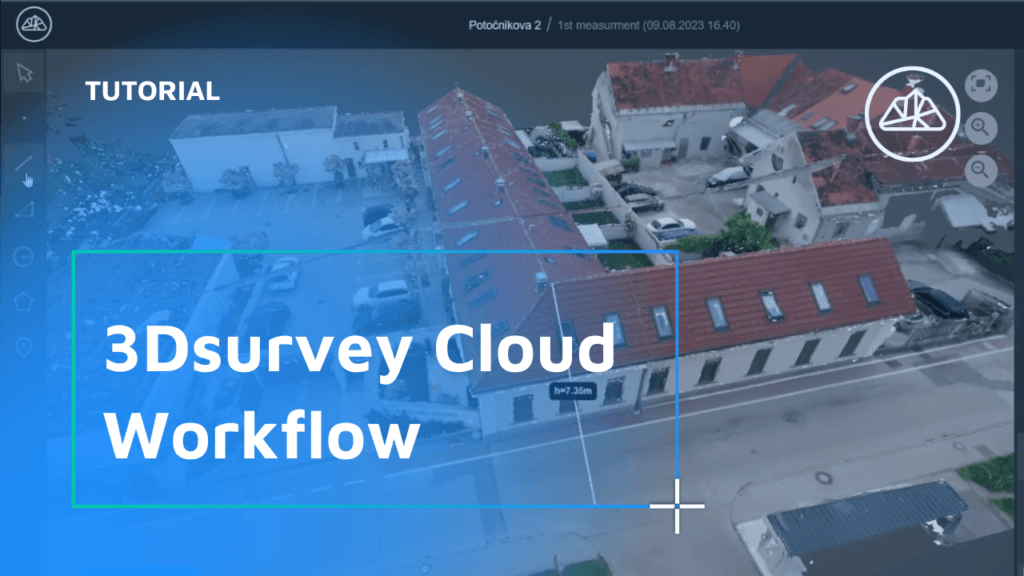
Standard 3Dsurvey Cloud workflow. Finish a project in 3Dsurvey and upload it to the Cloud. Select which data files you’d like to include and create new project on the Cloud survey selector page. Inspect the project and share with client. Watch the workflow
A Game-Changing Addition to the 3Dsurvey Software Suite 3Dsurvey is proud to announce our latest feature, 3Dsurvey Cloud, which was introduced in version 2.18. As a leading player in the field of photogrammetry software, 3Dsurvey is committed to innovation and transforming the way spatial data is processed and utilized for everyone. With the introduction of […]

Welcome back to 3Dsurvey tutorials. 3Dsurvey Cloud was implemented with the 2.18 version update. Access Cloud directly from 3Dsurvey desktop software or log in online. If you are struggling to find the correct email address attached to your license, please watch the video below or email our support team at support@3dsurvey.si Check out our short video on which users […]
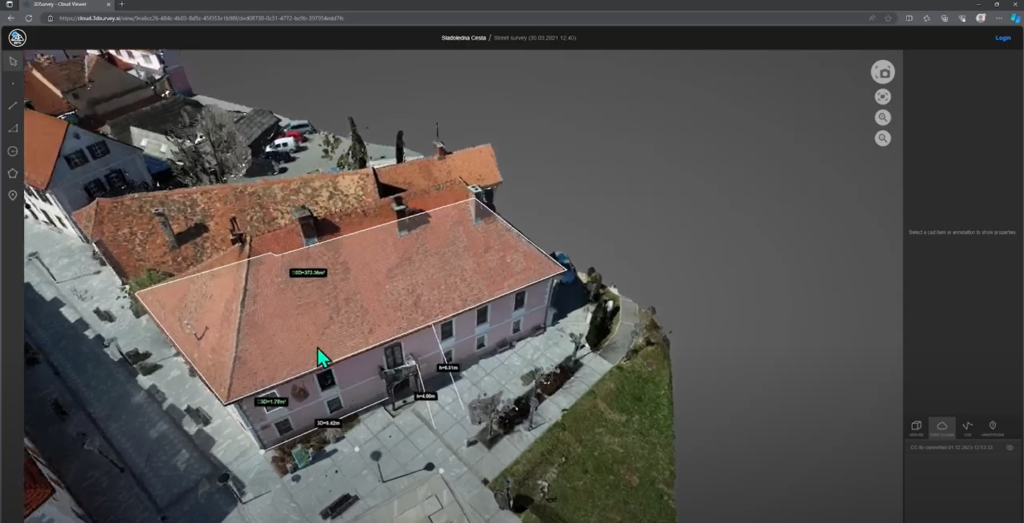
Viewing a 3Dsurvey Project as a Client Accessing the Project When clients receive a 3Dsurvey Cloud link, they simply paste it into a browser to load the project. Orthophotos, base maps, and true orthophotos can be inspected directly. Exploring 3D Models Clients can interact with 3D models in the point cloud view, which becomes denser […]
Navigating Your 3Dsurvey Cloud Environment Overview of Your Projects and Storage Space The 3Dsurvey Cloud home screen displays all your projects, with a top bar showing your remaining storage space. Different views are available to manage your projects: a map view for location-based navigation and a timeline view that sorts projects by recording date. Accessing […]

Key takeaways The Select by Color tool in 3Dsurvey lets users pick and remove point cloud data based on color, using an eyedropper + adjustable tolerance slider. It speeds up cleanup by targeting unwanted background noise (like sky blue or grass green) that often “sticks” to object edges. With a bounding box, you can restrict […]

Exciting news! 3Dsurvey has been recognized as one of the top 24 game-changing products of 2024 by Geo Week! This prestigious showcase highlights 3Dsurvey’s transformative power in redefining spatial data processing across industries. Versatile application: Tailored for land surveying, mining, construction, architecture, and public safety. Innovative workflows: All-in-one solution with centimeter-grade precision, eliminating the need […]

