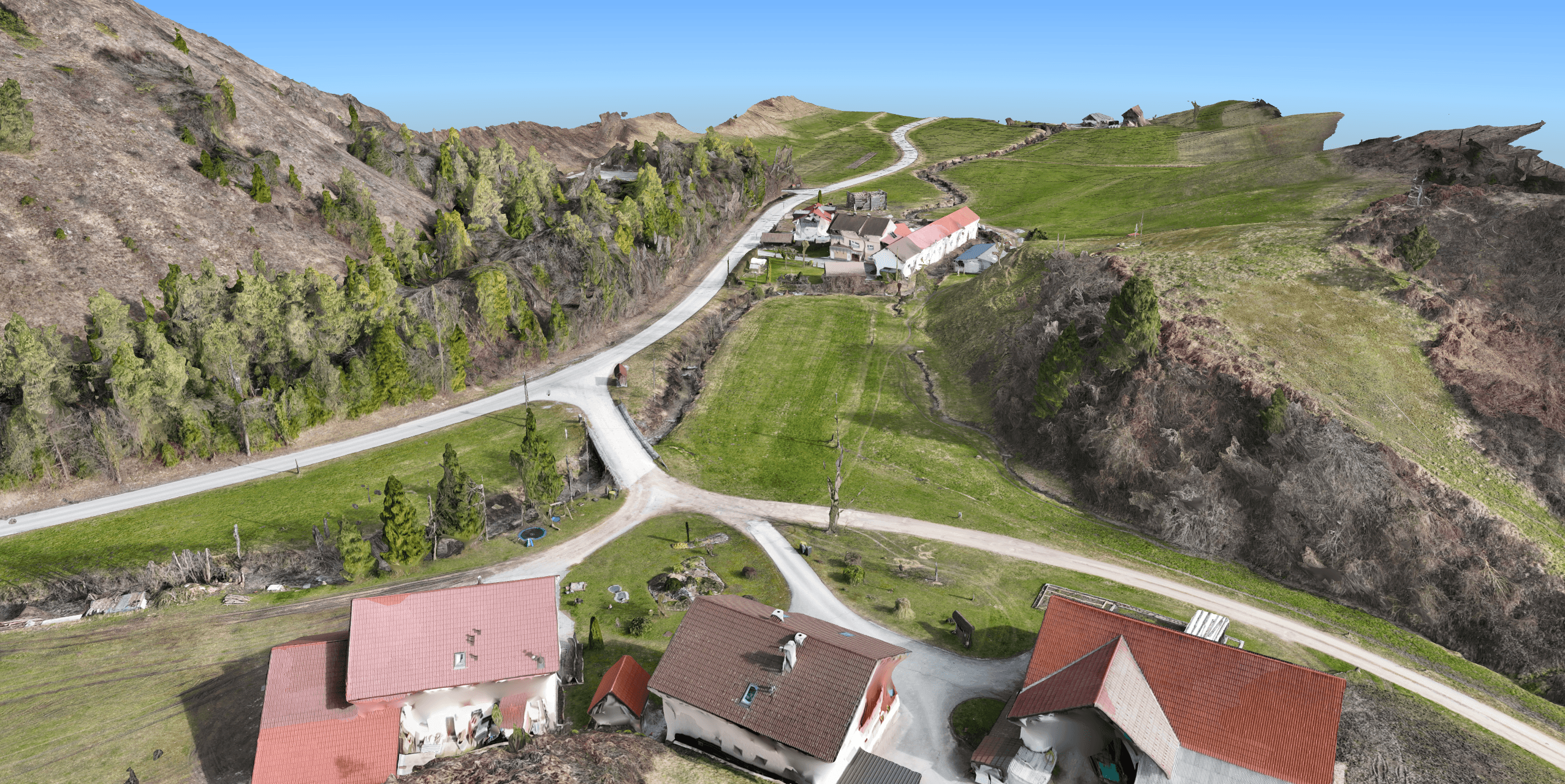
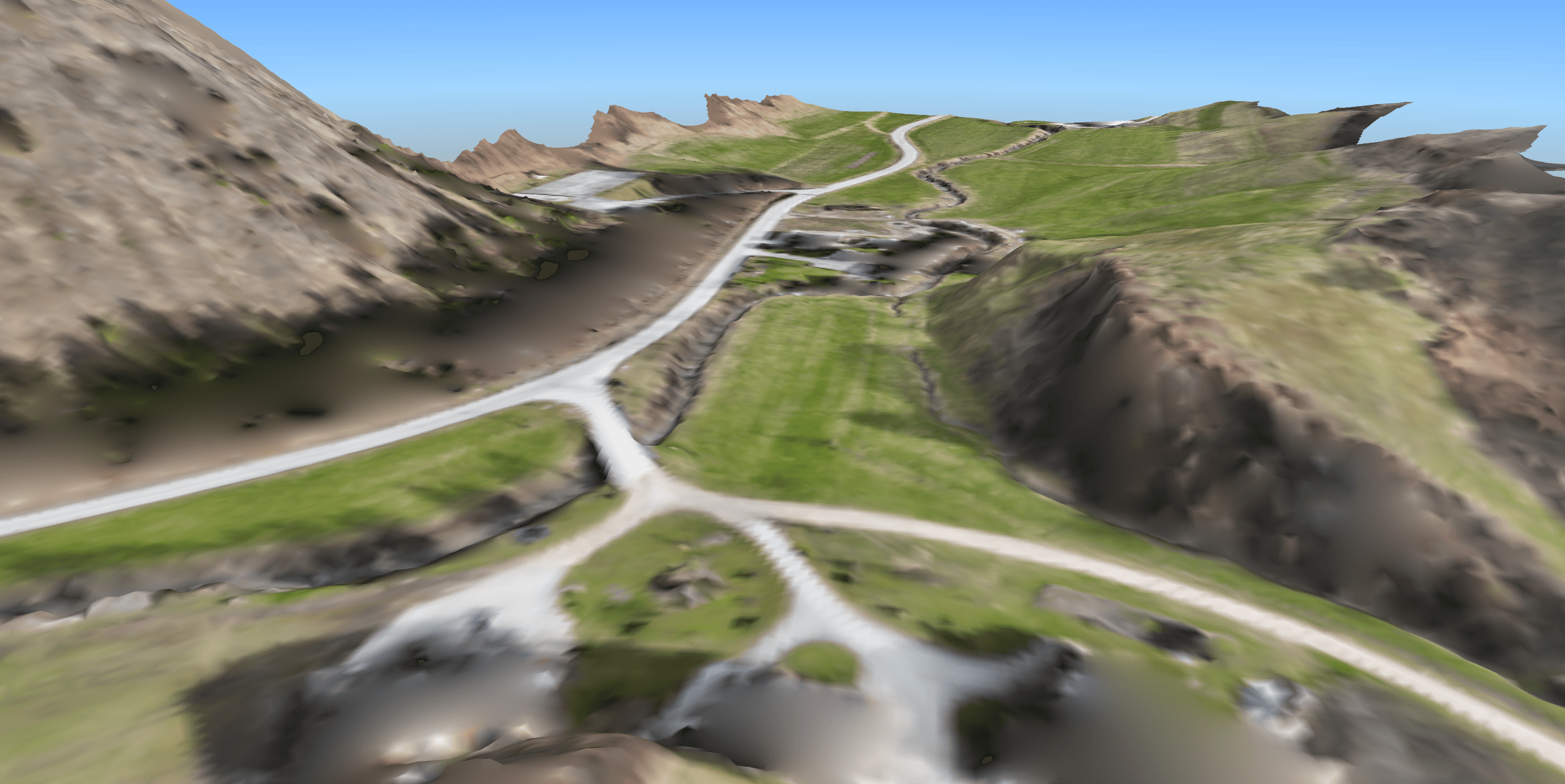
Point cloud classification separates bare earth from above-ground structures like vegetation and buildings.
Clean ground data is mandatory for accurate Digital Terrain Models (DTMs), contour lines, and volume calculations.
Understanding core classification parameters allows you to adapt to extreme terrain variations.
Using an all-in-one software eliminates workflow bottlenecks and ensures measurable accuracy.
Introduction
When you capture a site, the raw data is often a mess of trees, buildings, and vehicles blocking the bare earth, making point cloud classification your most critical first step. You cannot extract an accurate terrain model or calculate precise volumes if your dataset includes every weed and parked car.
This guide breaks down exactly what classification is, how the parameters function, and why it is the foundation of practical metrology.
What is a point cloud?
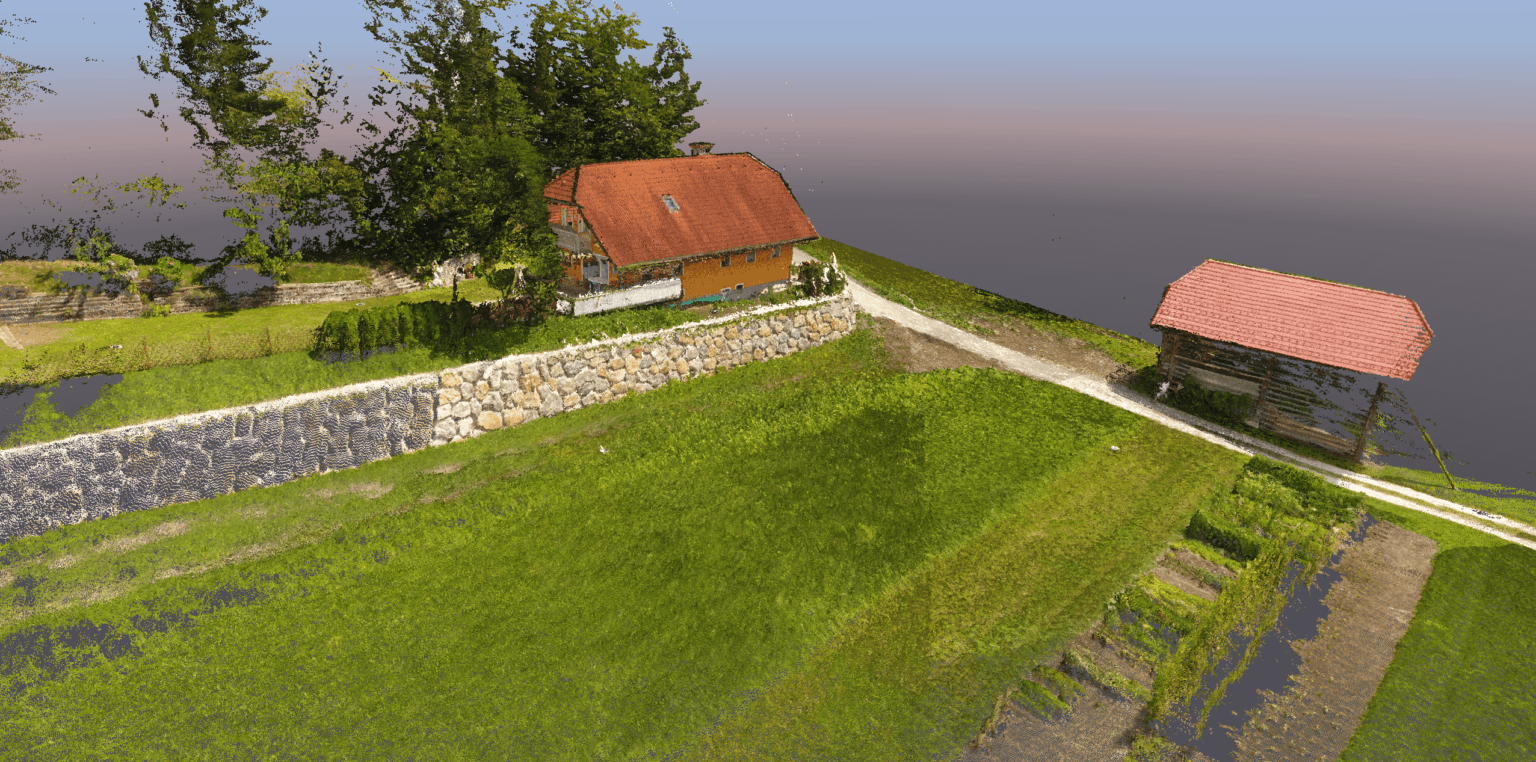
A point cloud is a massive collection of individual points in 3D space. Each point has a definitive position, dictated by precise X, Y, and Z coordinates. Every single point marks a real spot on a physical surface.
You typically capture point clouds in two ways:
By process of photogrammetry
Or using LiDAR scanners.
Photogrammetry calculates 3D points from overlapping photos (usually with drone), while LiDAR measures surfaces directly with active laser pulses.
A point cloud is more than spatial data. In software like 3Dsurvey, points also carry RGB color data, surface normals and possibly intensity value. This transforms the cloud from a simple visual into a rich dataset. You use it for inspection, CAD vectorization, GIS mapping, volume calculations, strict quality control…
The bottom line a point cloud is not a pretty 3D picture. It is measurable, actionable data.
If this information is not enough for you, we encourage you to read another blog fully dedicated to explaining what a point cloud is.
How does point cloud classification work?
Point cloud classification is the process of filtering true ground points from everything else. That everything else includes:
vegetation,
structures,
fences,
machinery,
temporary site debris…
In 3Dsurvey, classification is primarily used to isolate a clean ground class, which is the absolute baseline for serious survey work. If you need to generate accurate profile lines, extract contour lines, or calculate cut-and-fill volumes, you must know exactly which points belong to the dirt.
Once the algorithm runs, your data is cleanly segmented. The point cloud is divided into:
unclassified points,
unassigned points,
and ground points.
You then use the ground class to drive your modeling and analysis.
Core classification parameters explained
The classification tool is simple to deploy, but it features advanced parameters to handle rugged or complex datasets. Adjusting these settings dictates how aggressively the software filters the data. In 3Dsurvey we use the following.
Terrain elevation
Controls the maximum sudden height change the algorithm will accept as continuous terrain.
Terrain slope
Defines the steepest slope angle that can still be classified as natural ground. Increasing this and elevation results in more points assigned to the ground class.
Minimal height
Establishes the minimum height of an object that must be stripped from the ground class.
Regular grid mesh cell size
Determines the cell resolution of the digital surface model used during the classification process.
Smoothing factor
Defines the maximum allowable distance a point can sit from the generated terrain model and still be accepted as ground.
LiDAR toggle
For laser scanning datasets, enabling Point cloud from laser scanning (LIDAR) helps the algorithm detect the lowest ground penetration points with much higher accuracy.
In 3Dsurvey the default settings handle 90% of projects flawlessly. However, steep slopes and dense canopies may require minor parameter tweaks and a quick recalculation.
Important use cases for classified data
Creating a Digital Terrain Model (DTM)
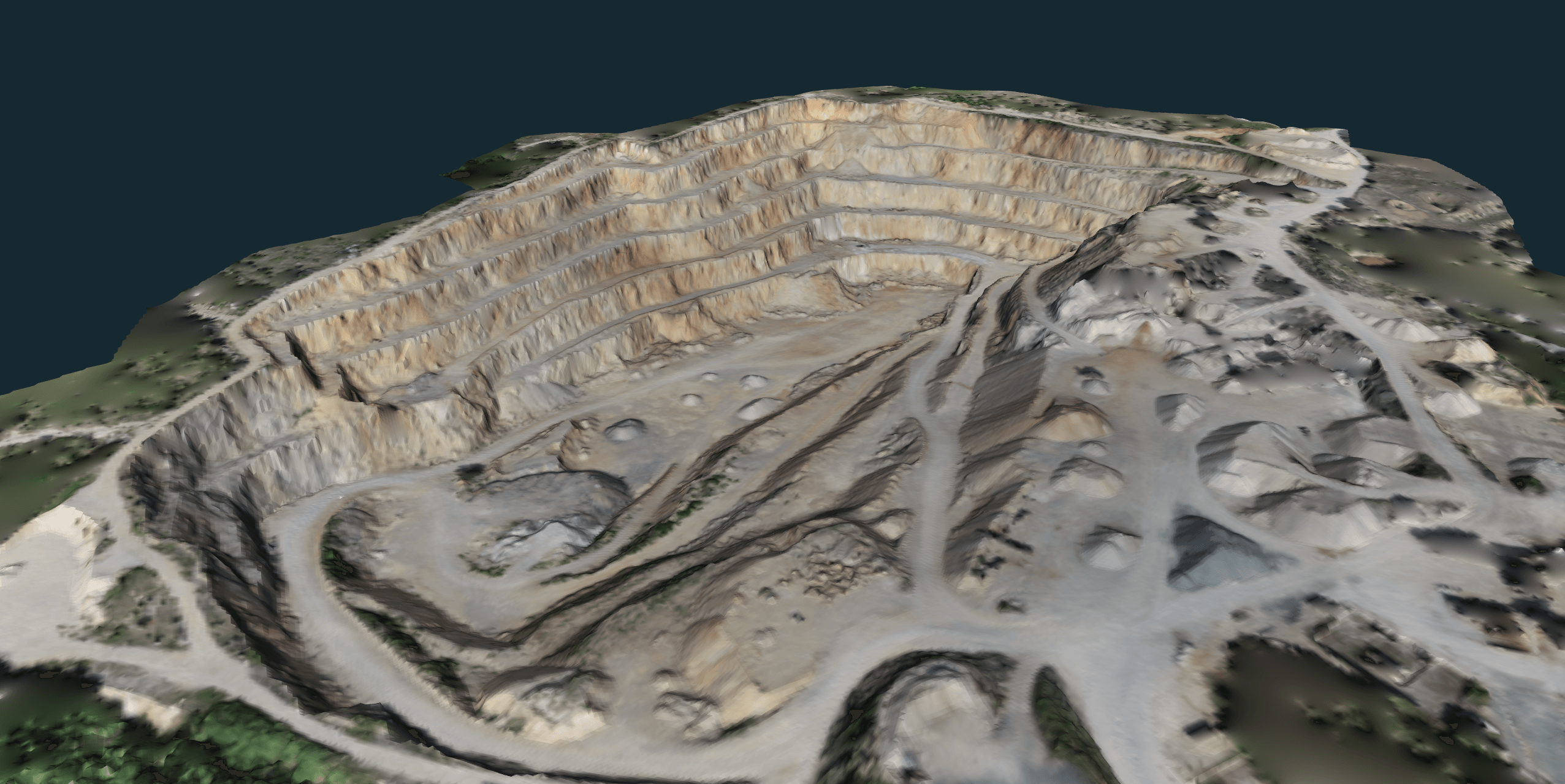
A classified point cloud is an absolute requirement for generating a DTM. By digitally stripping away surface objects, you expose the true topography of the bare earth. This gives surveyors, engineers and site planners a highly accurate, noise-free base model for their measurements and designs.
Calculating contour lines
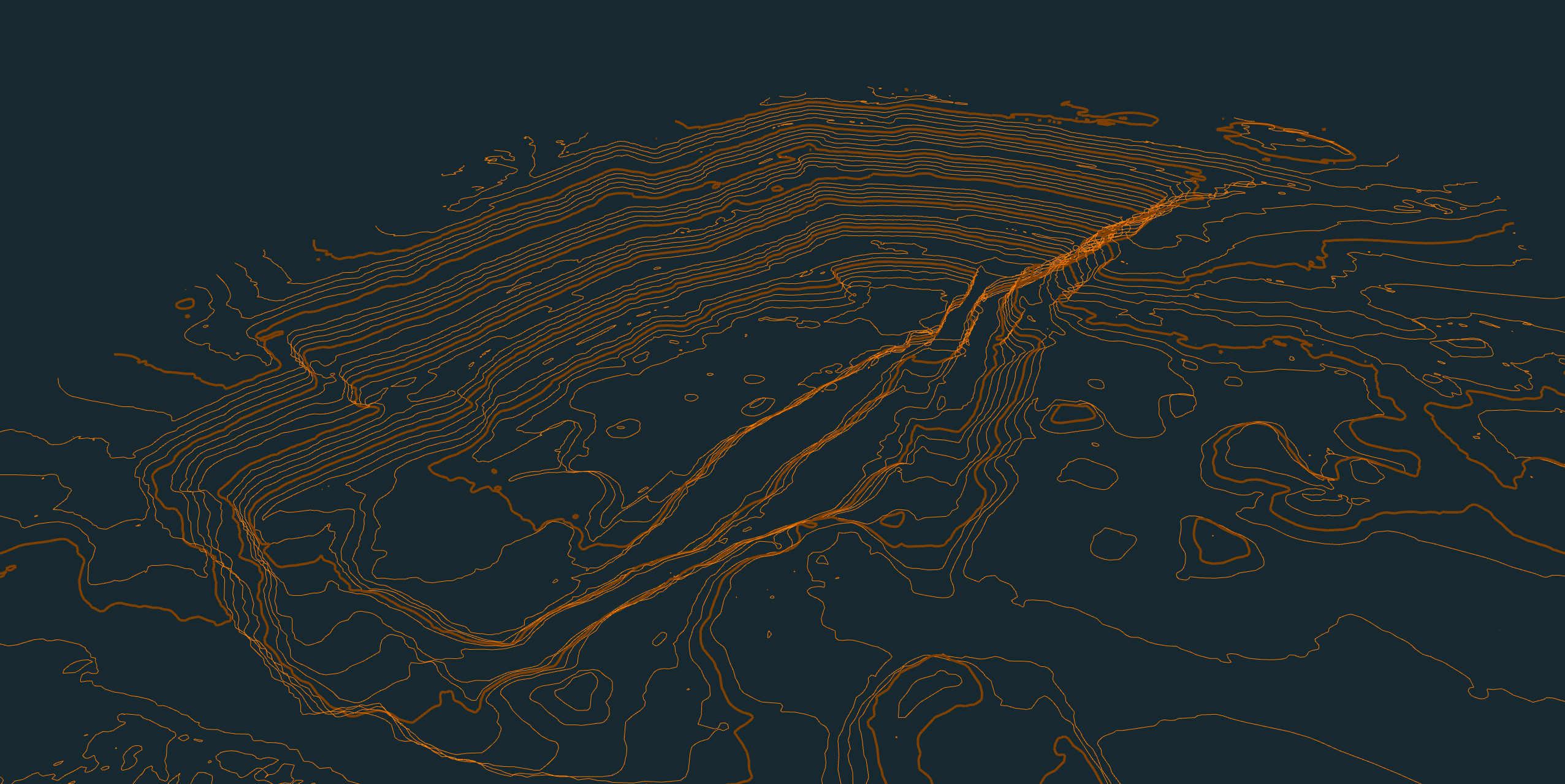
Contour lines are a vector representation of your site’s elevation changes. If your point cloud is unclassified, your contours will jaggedly spike over every tree canopy and roof peak. A clean ground class guarantees smooth, accurate elevation lines that reflect the true terrain.
Volume calculation
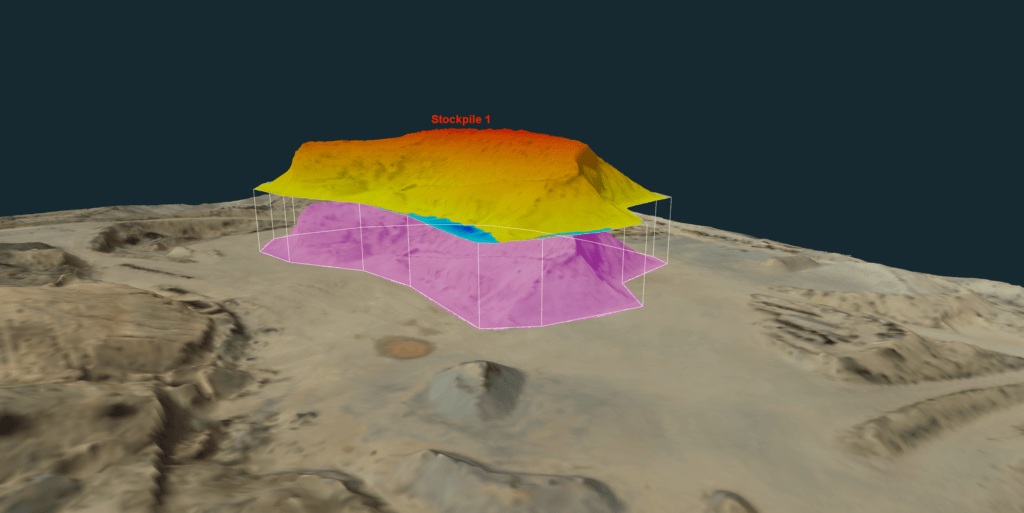
Accurate volume calculations rely entirely on clean surfaces. Filtering out this noise guarantees your cut-and-fill reports measure the actual earthwork, ensuring precise measurements.
Volume calculation done on classified DTM in 3Dsurvey.
The 3Dsurvey advantage
Cleaning field data should not require bouncing between three different software environments. 3Dsurvey solves this by providing a true all-in-one workflow.
You can process your raw photogrammetry or LiDAR data, run an advanced classification algorithm to extract the bare earth, and immediately vectorize your DTM or contour lines, all in one software. It bridges the gap between raw reality capture and the final CAD deliverable.
Conclusion
Professional confidence comes from trusting your data. Mastering point cloud classification ensures your models, volumes, and linework are built on reality, not noise. It is the single most important step in turning a messy field capture into a usable surveying deliverable. If you want to see some other advantages that a point cloud software brings, you are also welcome to check our blog explaining why you need a point cloud software.
Stop wrestling with messy data and streamline your workflow today. Start your 14-day free trial of 3Dsurvey today.