
Key Takeaways
- 3Dsurvey delivers fast, survey-grade orthomosaic mapping in a single, intuitive workflow.
- True orthophoto generation removes perspective distortions for accurate building footprints and measurements.
- Integrated point cloud cleaning, classification, and CAD vectorization save hours of post-processing.
- Supports RTK drones and GCP workflows for flexible, precise data alignment.
- Built by surveyors, enabling reliable, repeatable results from field data to final deliverables.
Introduction
We’ve all been there. You’re back from a long day in the field, boots covered in mud, and you’ve got a deadline approaching for tomorrow morning. You need orthomosaic mapping that actually works the first time. Most photogrammetry tools feel like they were designed by people who have never stepped foot on a construction site or a mine. They are cluttered, slow, and demand a PhD in computer science just to align a few hundred images.
3Dsurvey is different. We built this because we were tired of software that didn’t speak surveyor. We needed a tool that was fast, precise, and handled the gritty reality of field data. If you want a pretty picture, use a filter. If you want a survey-grade deliverable, you use 3Dsurvey.
What is Orthomosaic Mapping?
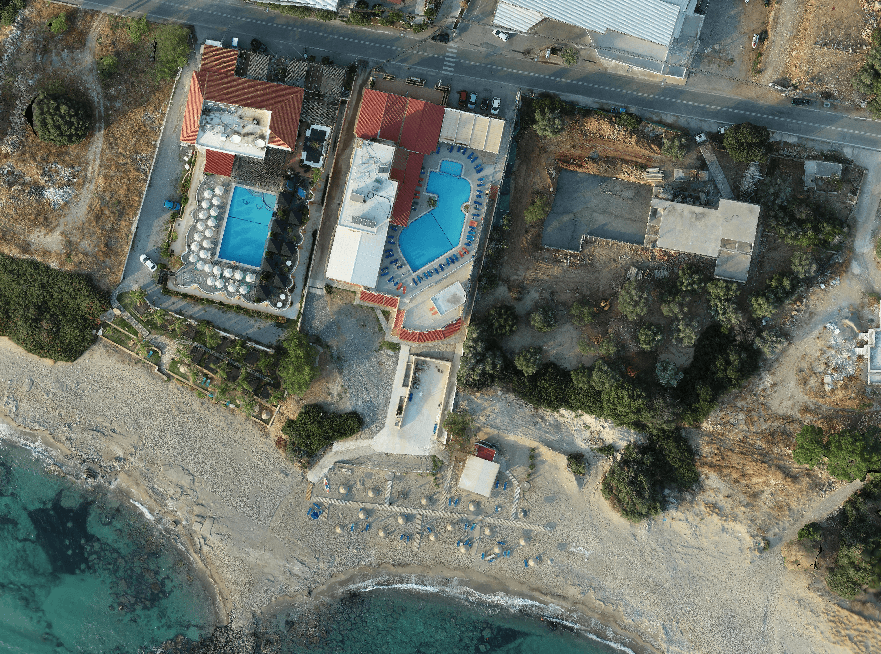
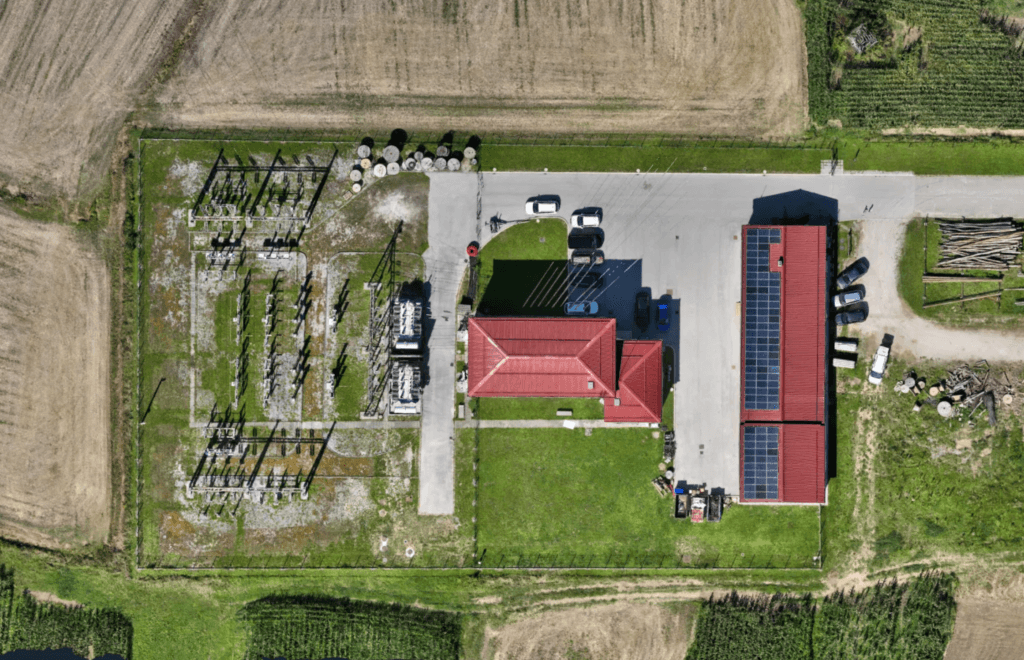
In simple terms, orthomosaic mapping is the process of taking hundreds or thousands of aerial images and stitching them into a single, geometrically corrected map.
Unlike a standard drone photo, an orthomosaic has had the perspective distortion caused by the camera lens and the tilt of the drone removed. When you look at an orthomosaic, you are looking at a map where every pixel has a real-world coordinate. You can measure distances and areas with the same confidence you’d have using a total station on the ground.
If you want to learn more about orthomosaic mapping, read our blog about What is an orthophoto.
Traditional vs. True Orthophoto
In a traditional orthophoto, the software uses a Digital Terrain Model (DTM). This works fine for flat ground, but tall objects like buildings, bridges, or stockpiles are affected by the “leaning building” effect, which means they appear to lean away from the centre of the image. This masks the ground beneath them and makes precise boundary measurements impossible.
3Dsurvey supports True Orthophoto generation. Instead of just using a terrain model, we use the full 3D mesh.
- Traditional Orthophoto: Good for flat fields and basic visual overviews.
- True Orthophoto: Essential for urban environments. It corrects the Z-axis of every object.
- The Result: Buildings stand straight up. You see the true footprint. There are no blind spots caused by perspective lean.
If you are working in tight urban corridors or complex industrial sites, true orthophoto is a requirement for professional confidence.
We go more in depth about the differences between them in our blog True vs. Traditional Orthophoto. You are welcome to read it!
Why 3Dsurvey Solves the Processing Bottleneck?
Most software packages are a collection of disconnected modules. You process in one, clean the point cloud in another, and vectorize in a third.
3Dsurvey eliminates this fragmentation. We’ve streamlined the orthomosaic mapping workflow into a logical, step-by-step process that mirrors your actual workday.
1. Rapid Data Ingestion and Alignment
Drop your images in. Whether you are using RTK drones or traditional Ground Control Points (GCPs), the software handles the telemetry data with ease.
2. Point Cloud Cleaning and Classification
You can’t get a clean map from dirty data. 3Dsurvey allows you to capture the site and then clean it. Use our automated classification tools to strip away cars, machinery, and vegetation. This ensures your final orthomosaic represents the surface you actually need to measure.
3. Integrated Vectorization
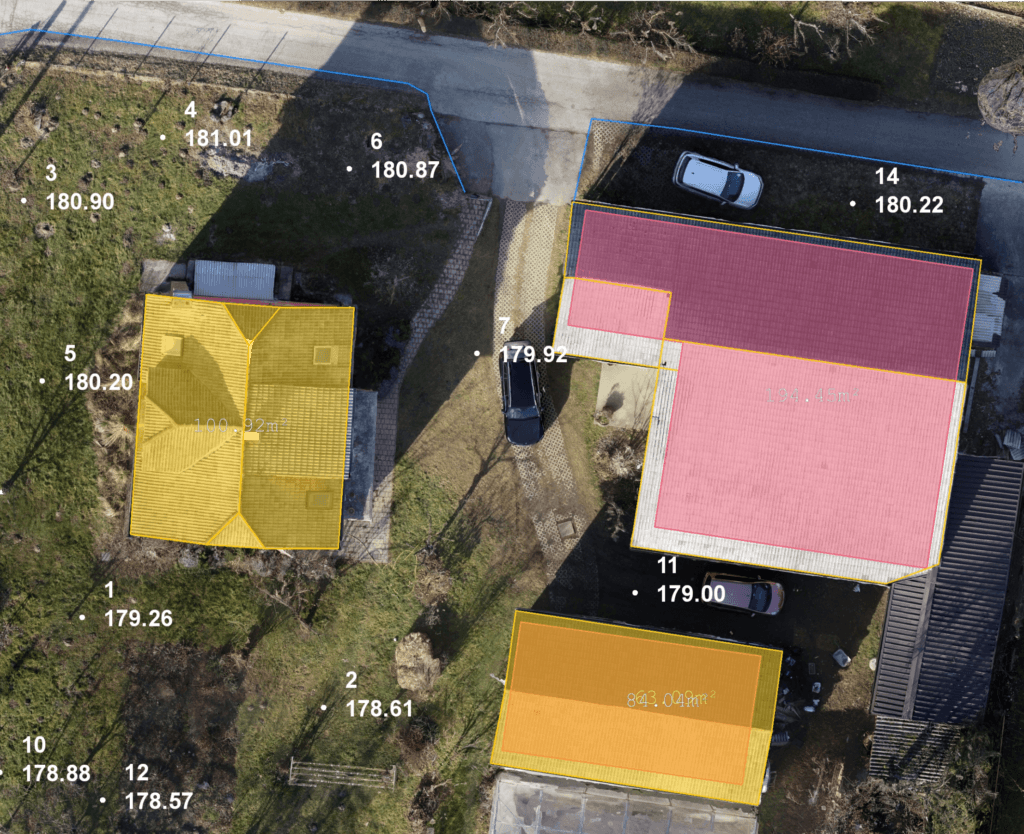
This is where we save you hours. You don’t need to export your map to a CAD program just to draw a few lines. You can digitize directly on your orthomosaic mapping project. Draw breaklines, house corners, or curb edges right on the image.
Built by Surveyors, Supported by Surveyors
We know that even the best software has a learning curve. That’s why you get the best possible support. 3Dsurvey was built by surveyors, and our support reflects that with:
- Precise tutorials
- Free knowledge accessible to everyone online
- Intuitive UI
- Best in class customer support
We understand that in this business, time is literally money. Every hour you spend fighting your software is an hour you aren’t billing for new projects. 3Dsurvey is designed to get you from SD card to final report as fast as possible.
Reasons to Switch to 3Dsurvey Today
If you are still struggling with some confusing and disconnected software, it’s time to move to a tool that offers transparency and control.
- Ease of use: You can train a new technician to generate a basic orthomosaic mapping project in an afternoon.
- Accuracy: Measure distances with the same confidence you’d have using a total station.
- Flexibility: Whether you are doing 2D mapping, 3D modeling, or volume calculations, it’s all in the same box.
Conclusion
In the world of land surveying, your reputation is built on the accuracy of your deliverables. Orthomosaic mapping shouldn’t be a gamble. It should be a repeatable, reliable process that provides the same high-quality results every time.
3Dsurvey gives you the tools to capture the world, extract the data, and deliver results that you can stand behind. Stop fighting your tools and start using a platform built for the way you actually work.
Ready to see the difference for yourself? Don’t take our word for it. Put your own field data to the test. Start your 14-day free trial today.

